Corel Draw Tips | Shortcuts for Alignment
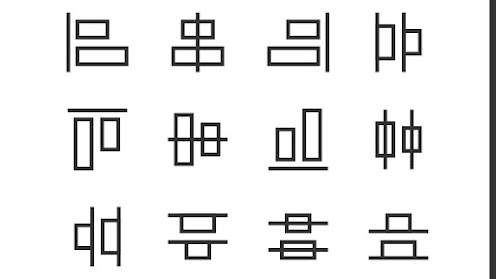
Here are shortcuts for Alignment in CorelDraw. They will work in all versions. These shortcuts are for Top, Bottom, Horizontal Center, Vertical Center, Left, Right alignment.
Simply press these keys from the keyboard -
T – Top
B - Bottom
L - Left
R - Right
E - Horizontal Center
C - Vertical Center
To place any object in the center of any page.
Shortcut key is P.
---------------------------------------------------------------------------------
Learn CorelDraw from Basic from my YouTube channel
Vtech - Subscribe channel for latest updates.
Comments
Post a Comment